Drag a shape.
Get real Manim Python.
Manim Studio is a visual editor for math and science animation. Place objects, set keyframes on a real timeline, and render an actual Manim video — the code is always one click away, never hidden.
One editor, every kind of math video
55+ object types, from a plain circle to a 3D vector field — each one keyframable, each one exactly as it will render.
Geometry
Medians, bisectors, incircles, angle marks, and constructions that stay attached to the shape while it moves.
Calculus
Plot y = f(x), shade the area under it, drop Riemann rectangles, slide a tangent line along the curve.
Linear algebra
Apply a 2×2 or 3×3 matrix to a grid or a shape and watch the determinant, the flip, the shear happen live.
3D scenes
Solids, parametric surfaces, and space curves with a real orbiting camera — no manual matrix math.
Neural Networks & Graphs
Layered neural network architectures, graph theory, and algorithmic traversal walkthroughs.
Physics engineNew
Real rigid-body simulation — joints, kinematic bodies, force fields, and collisions, baked into the actual render.
From empty canvas to finished video
Four steps, the same four every time. Click one to see where it lands.
Inside the editor
These are real screenshots of the editor — every pixel is the actual app, not a mockup.
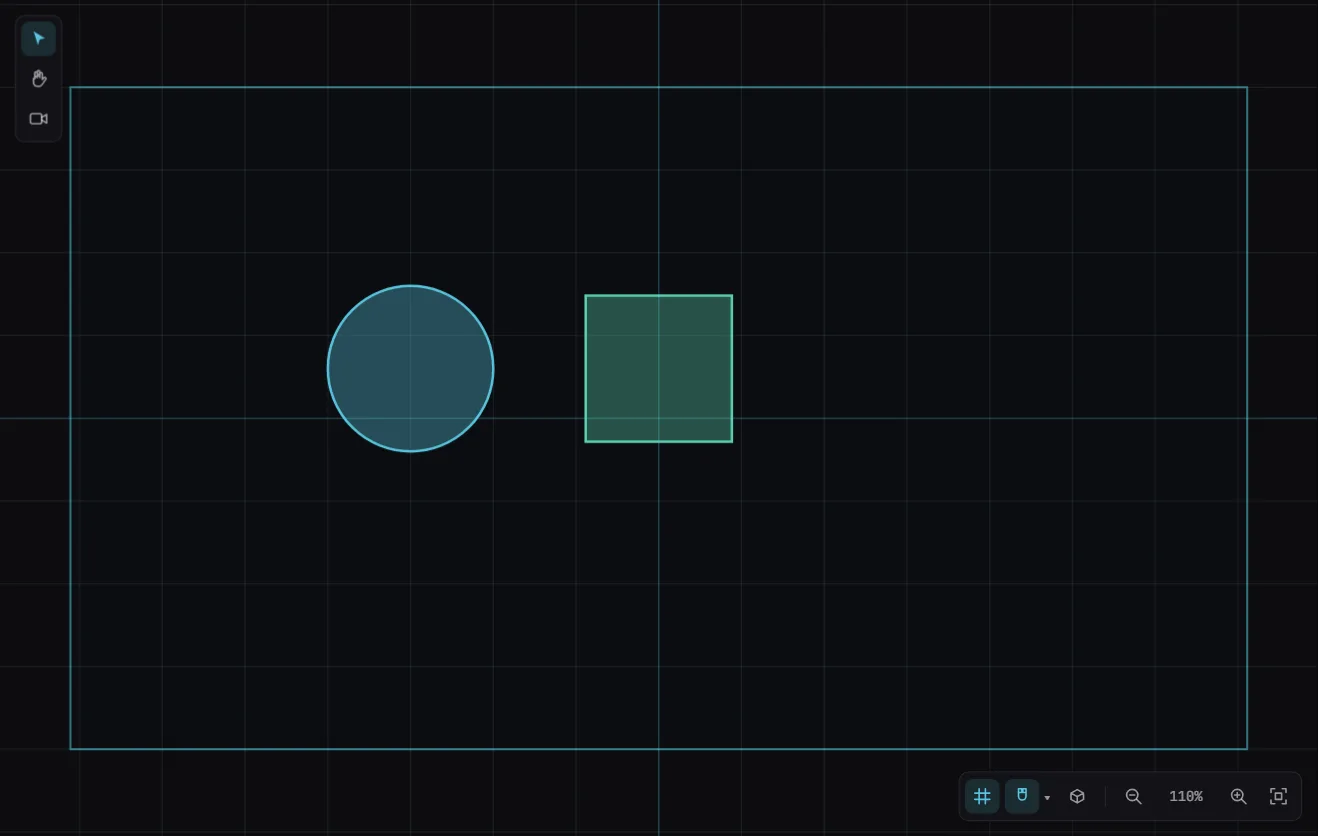
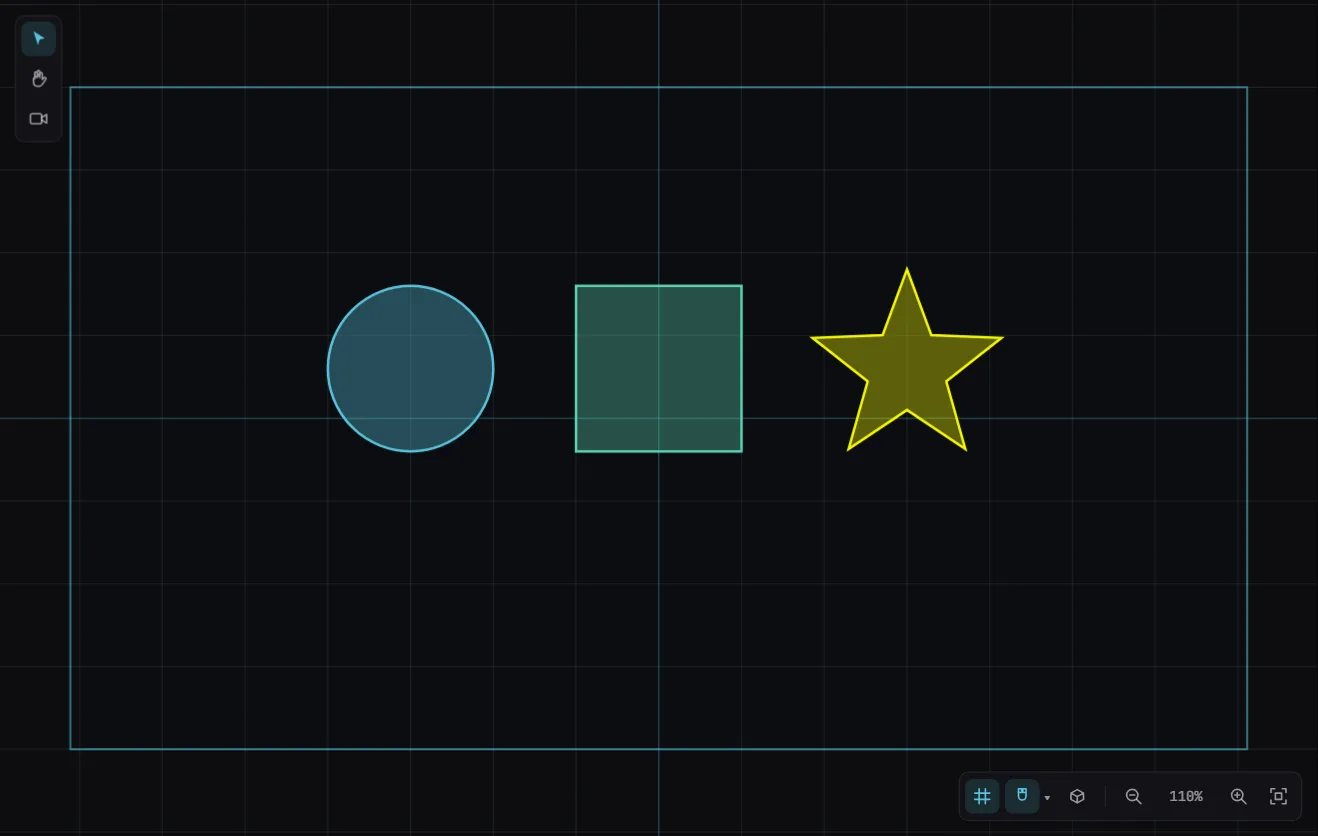
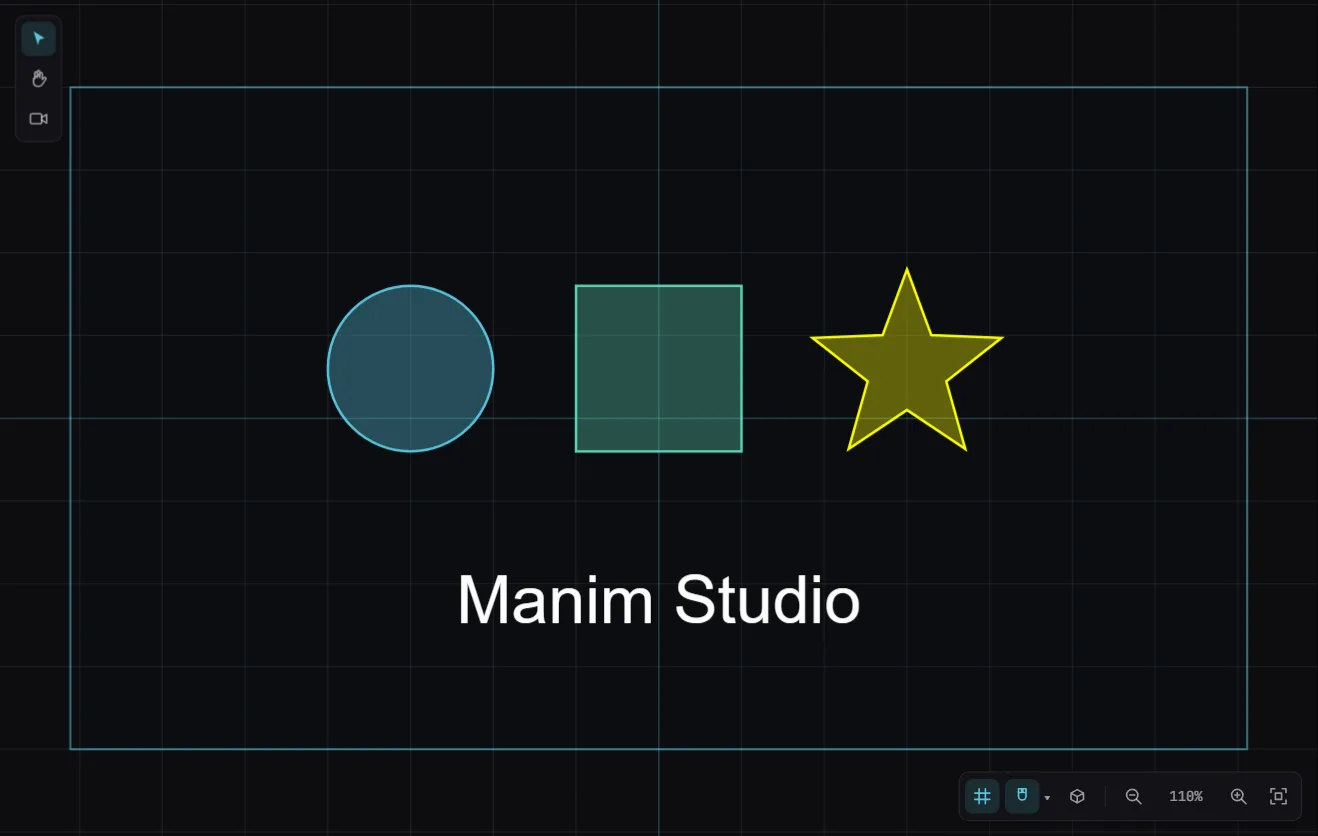
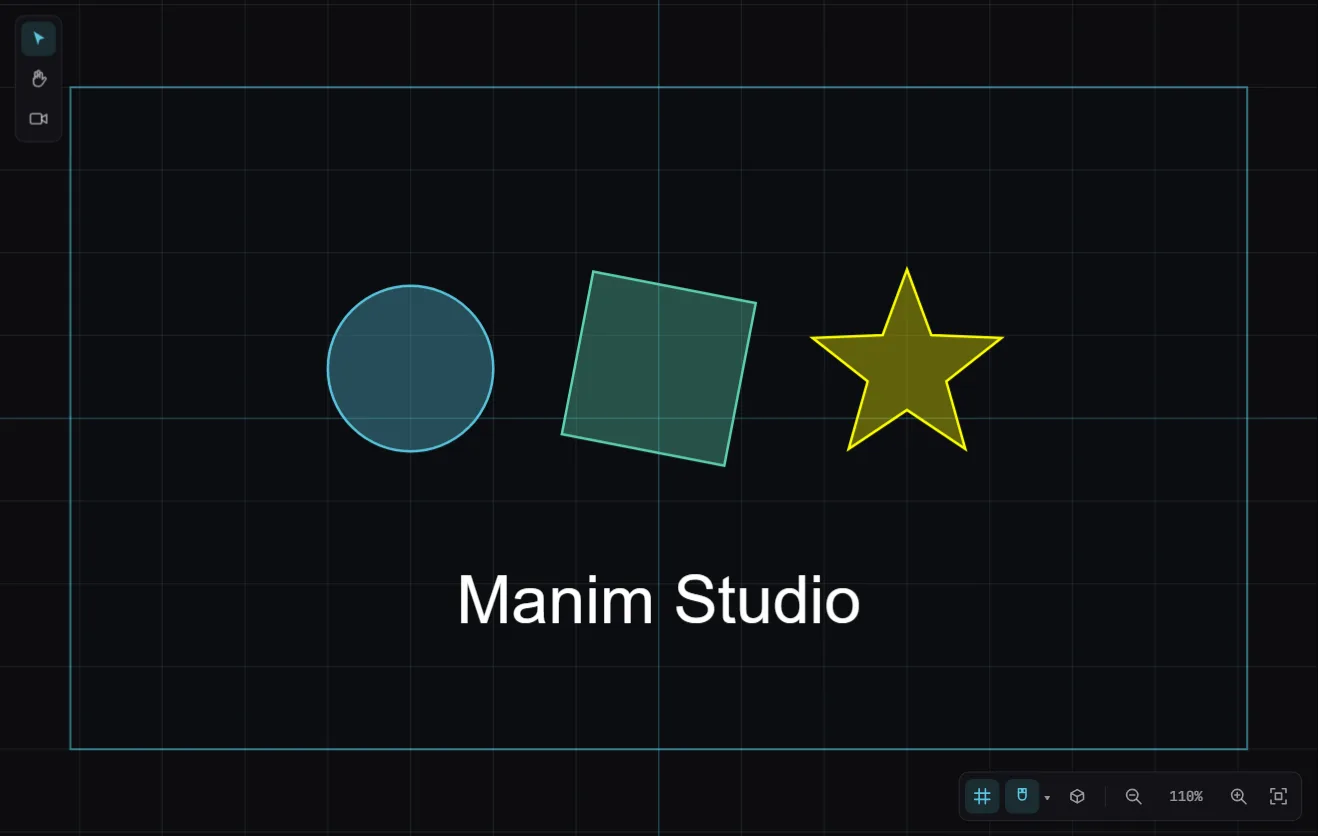
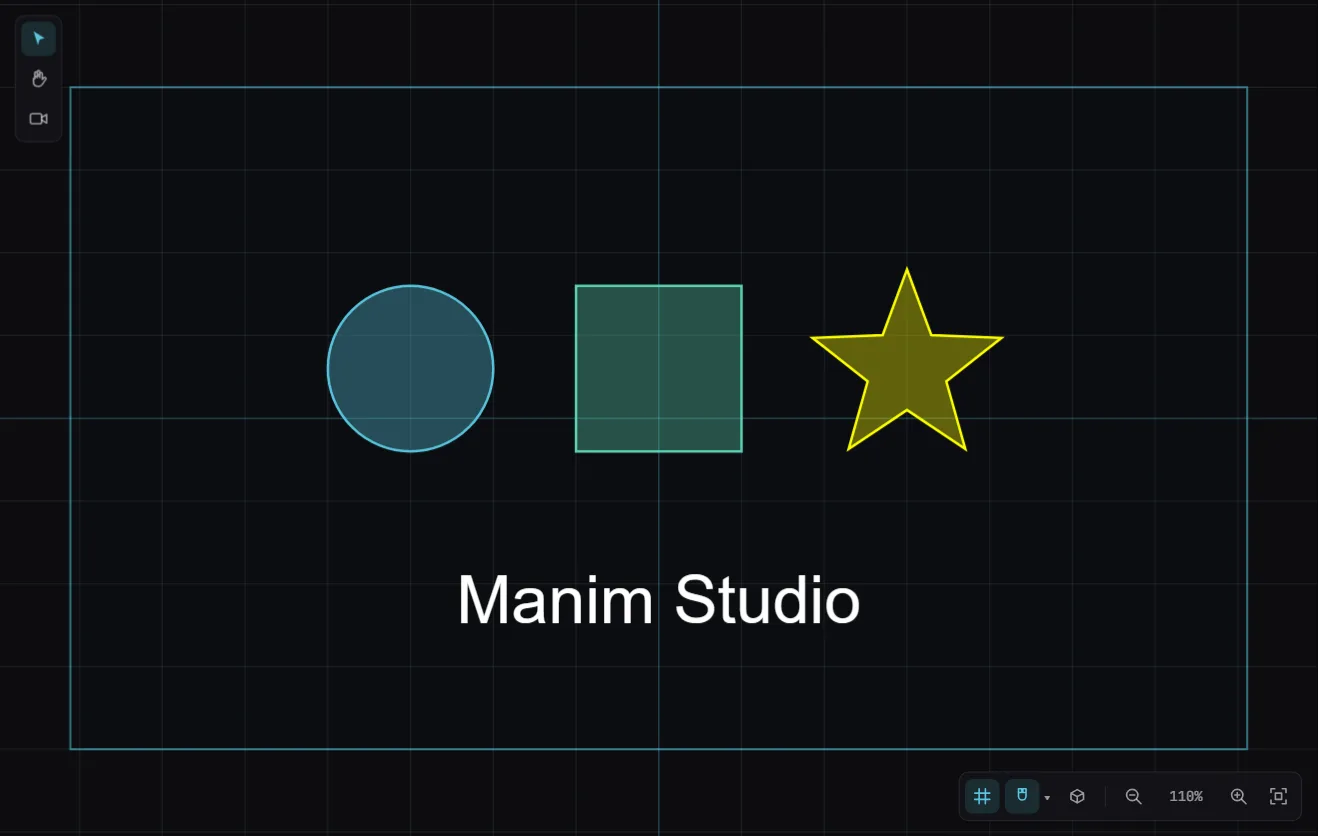
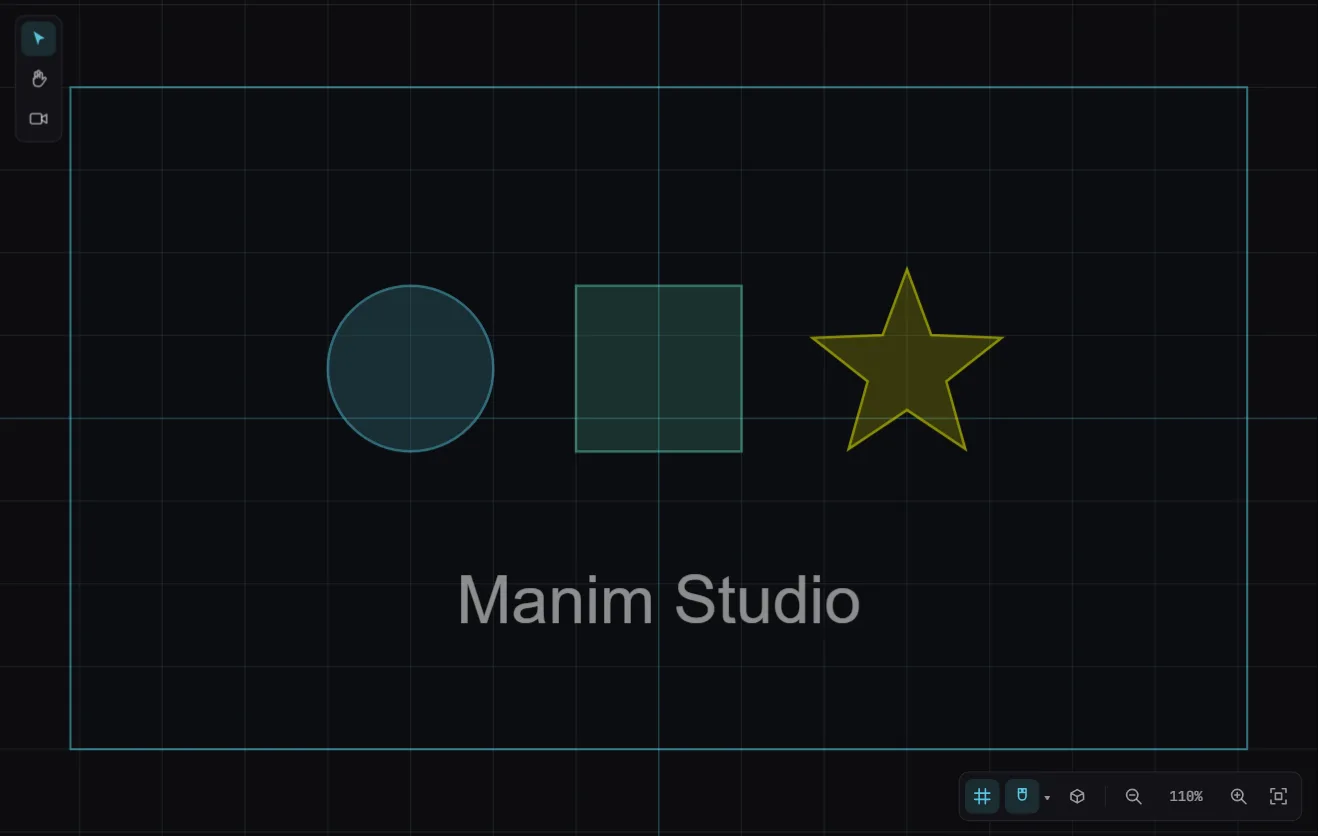
Press Space and the scene plays right on the canvas — what you see is exactly what renders.
See it move
Three of the editor's signature moves, looping right here — every one takes minutes to build, no code.
Calculus
A curve draws itself on, Riemann rectangles rise under it — built in four clicks.
Derivation
Equations morph step by step — matched terms slide to their new place in the render.
3D scenes
A real orbiting camera around solids and surfaces — this cube is pure CSS, the editor's is WebGL.
Explore What You Can Build in Manim Studio
From complex 3D WebGL parametric surfaces to 2D LaTeX function plots and custom SVG vector path controls.
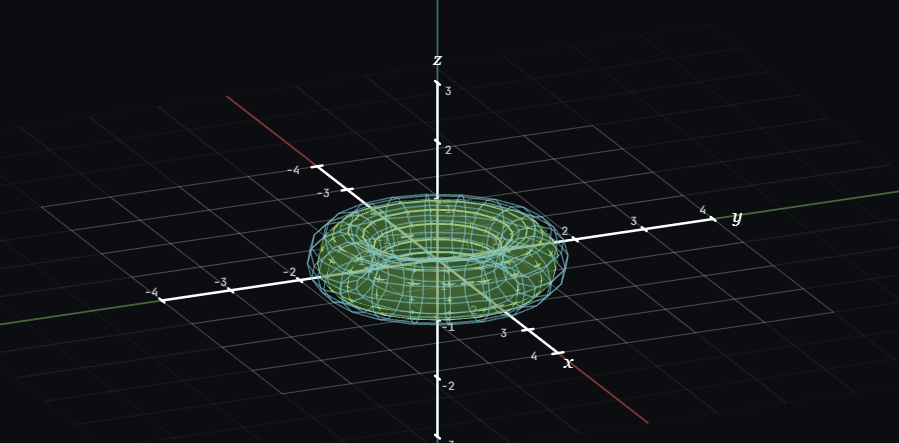
3D Torus & Wireframe Meshes
Interactive 3D geometry with customizable wireframes, camera rotation, and grid coordinate axes.
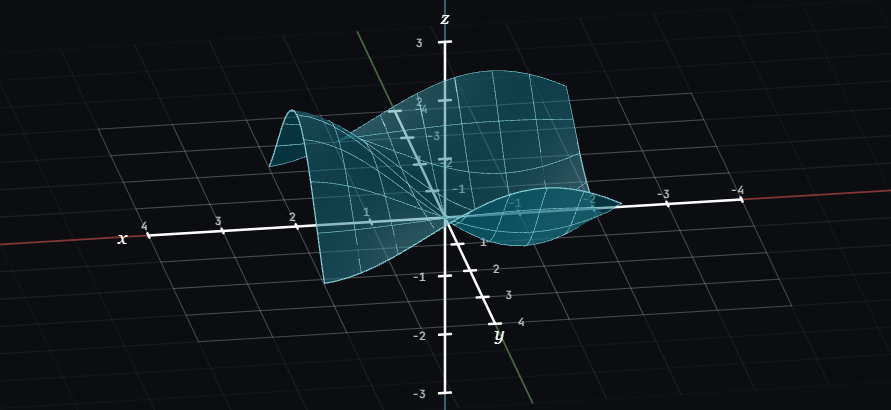
3D Parametric Surfaces (z = f(x,y))
Render complex 3D mathematical surfaces, saddle points, and multivariable calculus functions.
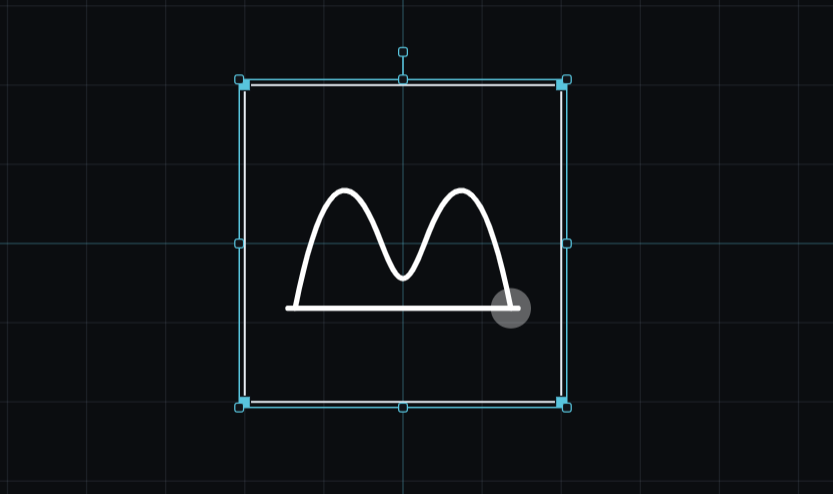
SVG Vector Editor Canvas & Transform Handles
Import, edit, scale, rotate, and control custom SVG vector paths directly on the interactive canvas grid.
The code is never a black box
Every drag, every keyframe, every camera move compiles to plain, readable Manim Python — open the code panel at any time to see exactly what you built. Nothing runs that you can't read.
- Copy the generated scene into your own Manim project
- Learn Manim by watching your edits turn into code
- Render locally or on your own server — nothing is locked to us
class Pythagoras(Scene):
    def construct(self):
        tri = Polygon(
            [-2, -1, 0], [2, -1, 0], [2, 2, 0],
        ).set_stroke(MANIM_BLUE, width=3)

        a_sq = Square(side_length=3).next_to(tri, LEFT)
        b_sq = Square(side_length=3).next_to(tri, UP)
        c_sq = Square(side_length=4.24).rotate(
            tri.get_angle()
        )

        self.play(Create(tri))
        self.play(
            *[GrowFromEdge(s, DOWN) for s in
              (a_sq, b_sq, c_sq)],
        )
        self.wait()
Download the Render Agent
The Manim Studio Render Agent runs Manim on your own computer — detected automatically by the editor, no watermark, no monthly cap. One small app, three platforms.
Release coming soon
Unlimited renders
No monthly cap, no watermark — your own computer does the work.
Nothing to configure
Python, Manim, LaTeX, and FFmpeg are bundled in — install and it just works.
Detected automatically
Open the editor with the agent running and Render picks it up on its own.
Rendering still works without it — the editor's cloud queue and in-browser preview export are always available. The Render Agent is an upgrade for anyone who wants unlimited, watermark-free renders at no cost.
Frequently Asked Questions
Everything you need to know about Manim Studio visual math animation editor
What is Manim Studio?
Manim Studio (manimlabs.com) is an online visual editor for creating 3Blue1Brown style mathematical, scientific, and physics animations without writing complex code from scratch. Place shapes, edit formulas with LaTeX, timeline keyframe animations, and render Manim videos directly online.
Can I export readable Python Manim code?
Yes! Every scene designed visually in Manim Studio compiles 1-to-1 into clean, standard Manim Community Edition Python code that you can inspect, download, and run locally on Pro and Team plans.
Does it support 3D scenes, LaTeX math, and physics simulations?
Absolutely. Manim Studio features over 55+ interactive object types including 3D surfaces and solids, real LaTeX math typesetting, physics collisions, joint kinematics, neural networks, and vector fields.
Is Manim Studio free to use online?
Yes! You can start creating math animations for free right in your browser with core 2D/3D shapes, standard 720p renders, and unlimited local rendering via the free Render Agent app.